 Numsprite for Teachers
Students practise like it's a game.You see who's stuck.
Set practice, marked as they go, see the whole class at a glance, and run a live game everyone plays together. Made for school teachers and tutors alike.
- Free for teachers and students
- No download. No student email needed.
Sign in with Google and open your first class.
Set practice, marked for you
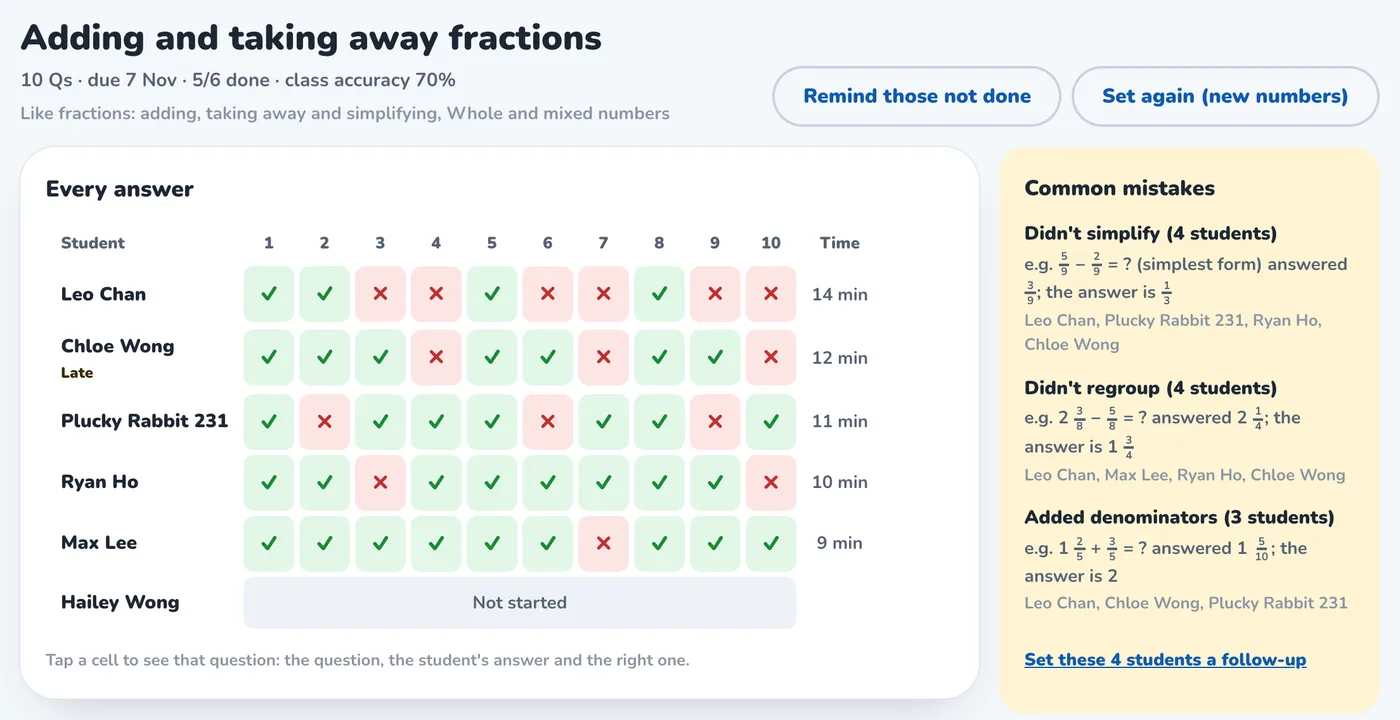
Set the practice. The marking does itself.
Pick the topics, how many questions and a due date, and send it with one tap. Students answer in the app, each answer marked as they go, with an explanation when it's wrong. You see every answer and how long it took, the class's common mistakes gathered for you, and one tap sets follow-up practice for the students who slipped.
Class overview and student cards
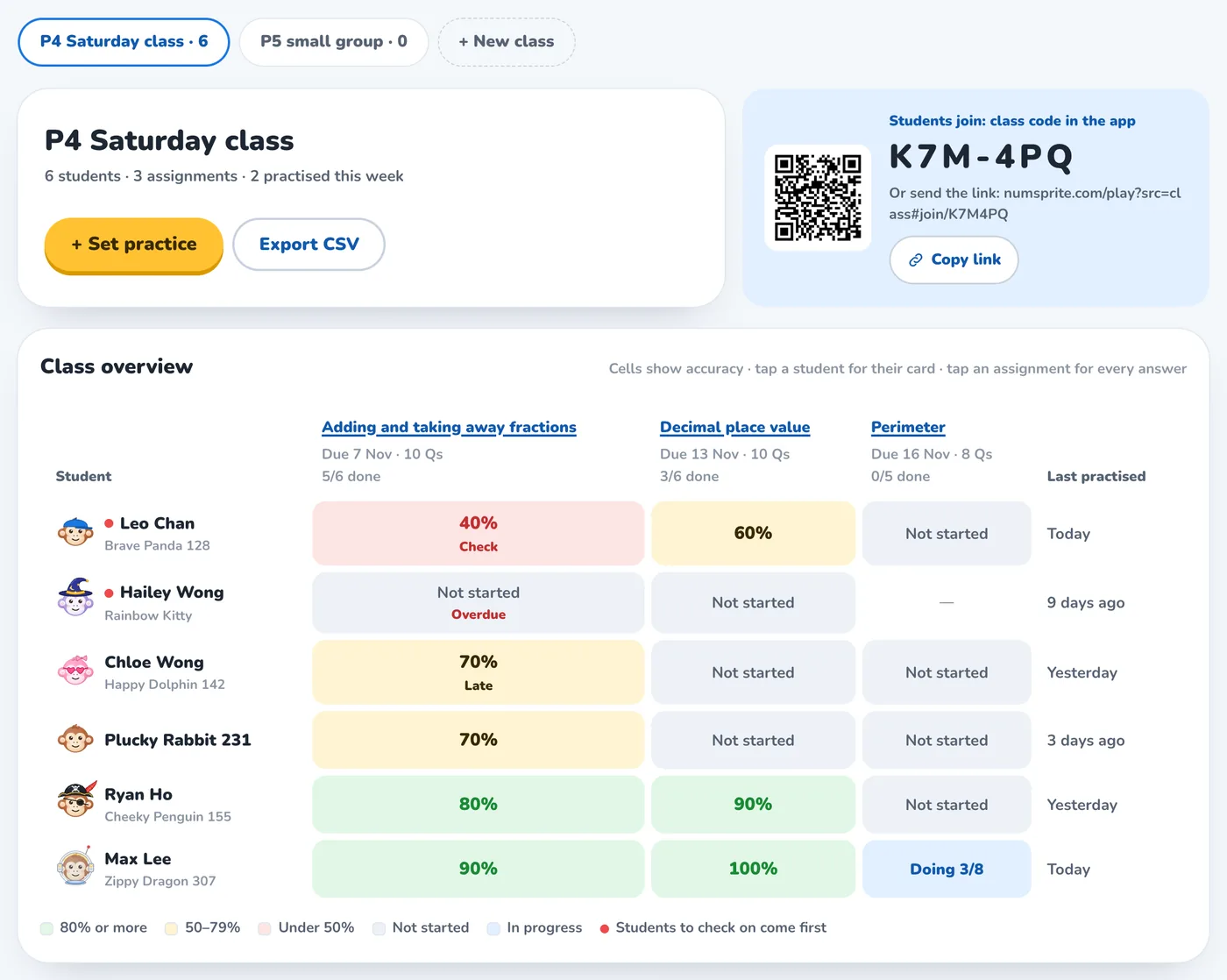
See who needs help at a glance
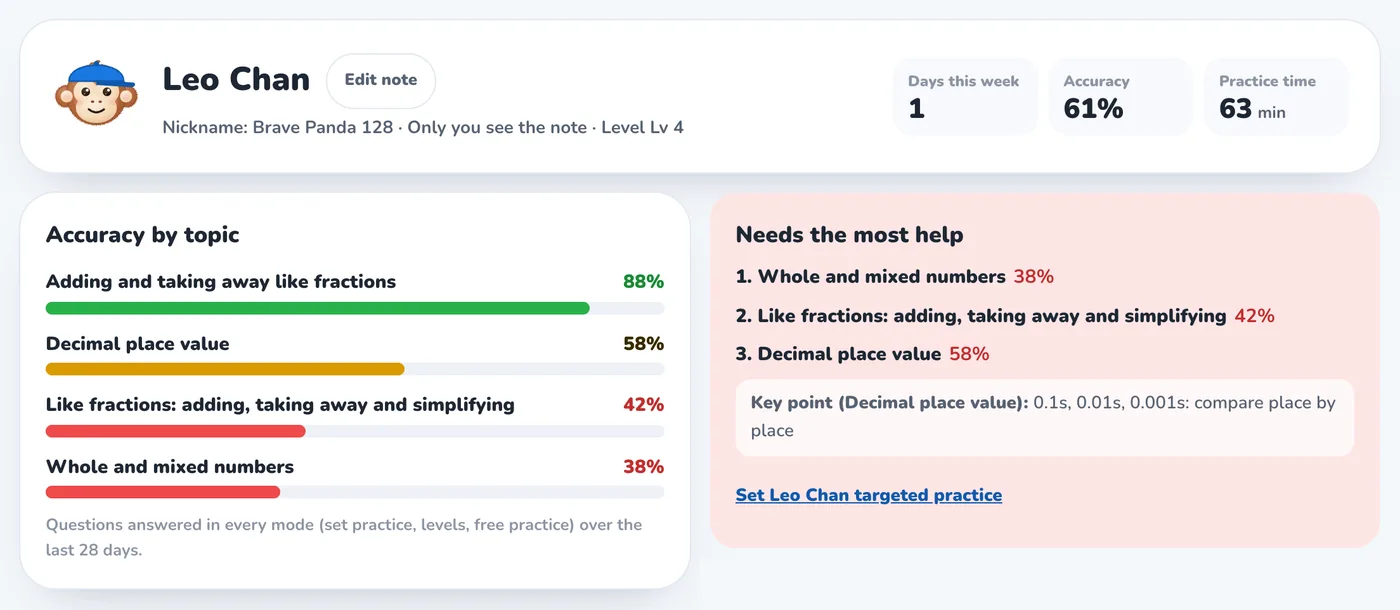
The class overview colours every piece of practice by accuracy and puts the students to check on first. Tap a name for that student's card: accuracy by topic, where they need the most help, and the questions they got wrong recently.
Live class games
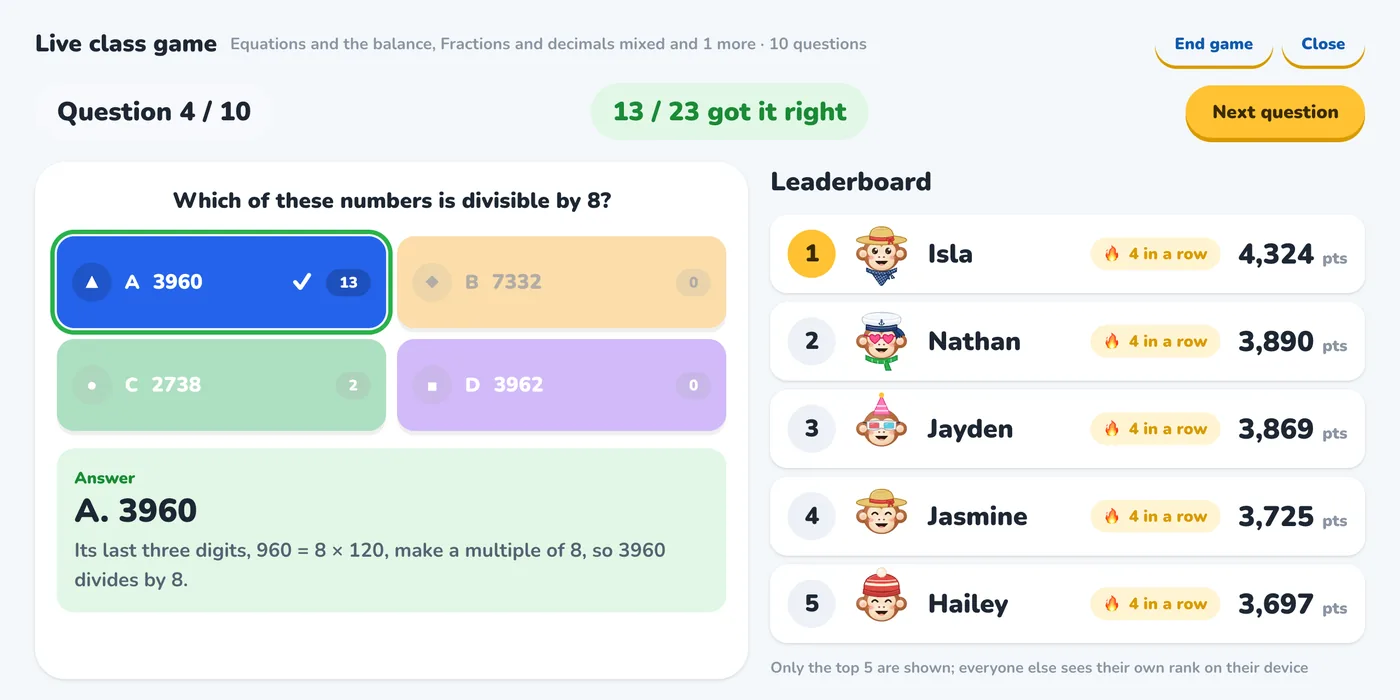
Put it on the board. Everyone plays.
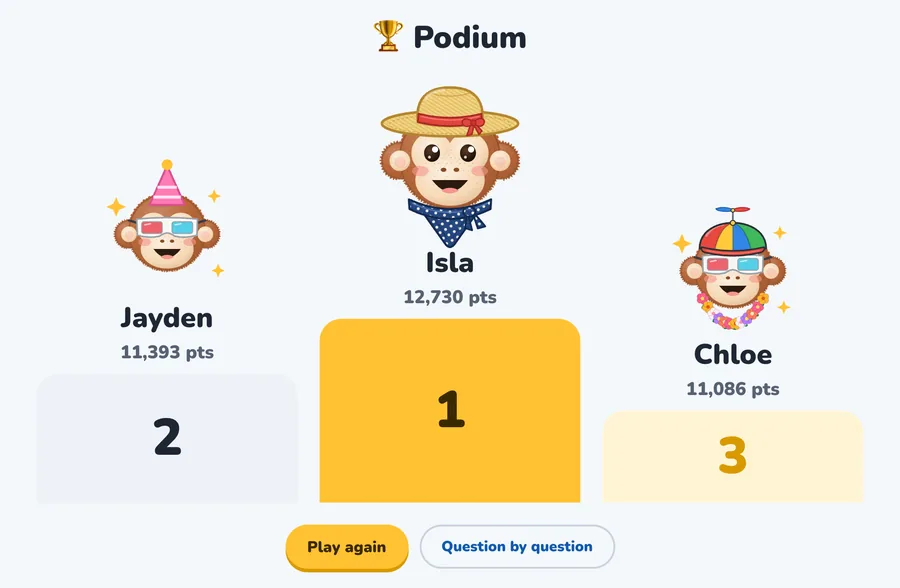
Students open numsprite.com/en/live on any phone, tablet or computer and type a 6-digit code: no account needed. Their monkeys arrive one by one, every question ends with the answer, the explanation and the top 5, and the game ends on a podium.
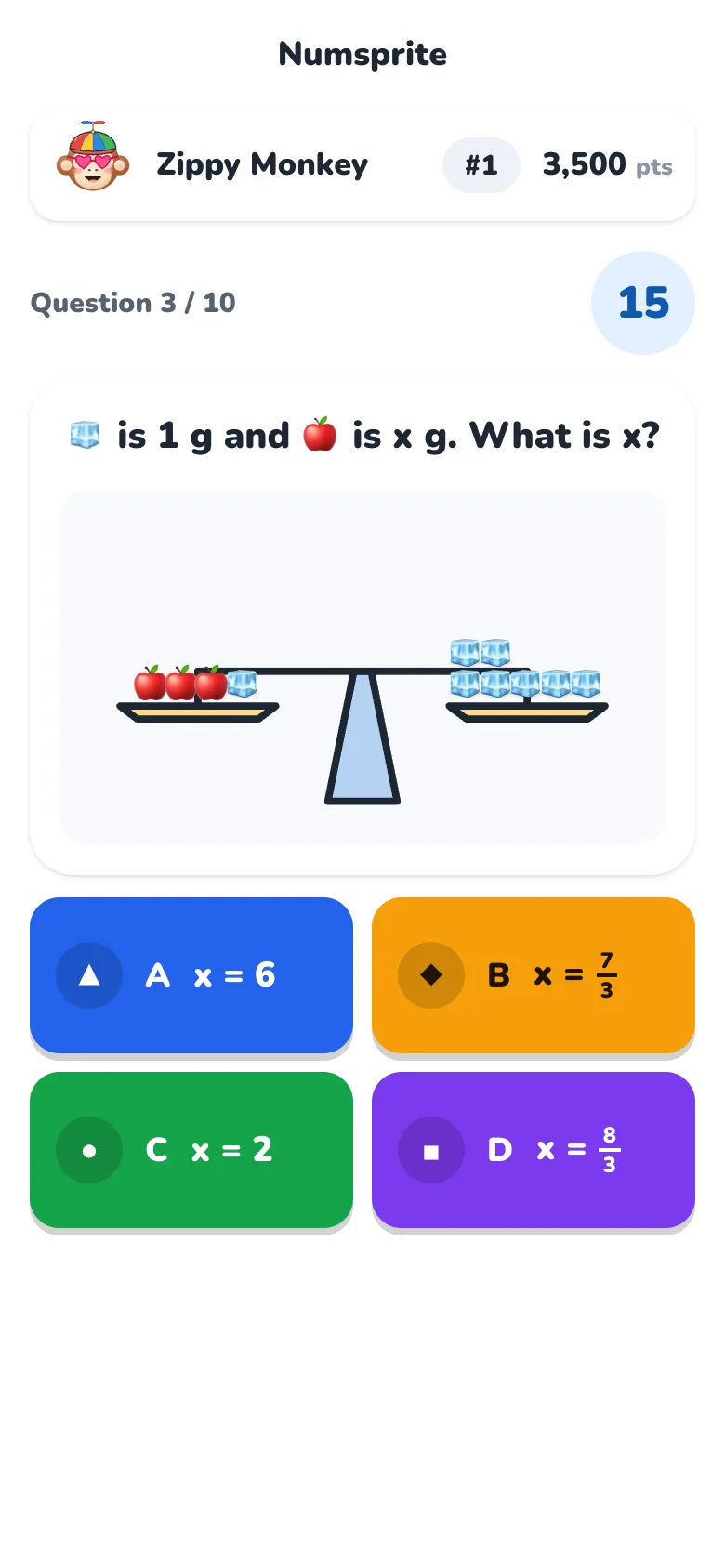
Step by step, every answer explained
Starts easy, and explains every answer
Questions start easy and build up one step at a time. Every one comes with the answer and an explanation, fractions and working properly set out, so a wrong answer still teaches something.
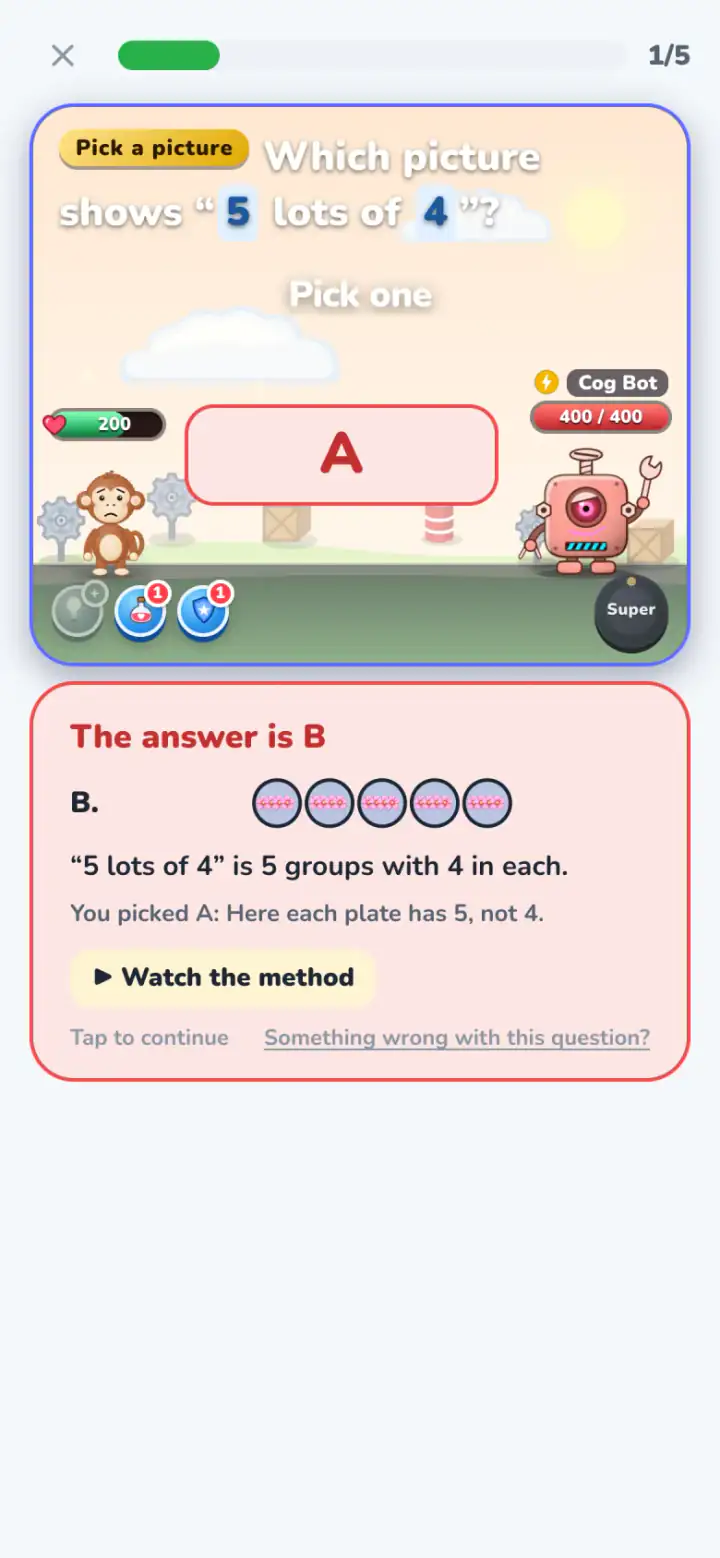
Start in three steps
- 1Open a classSign in with Google and open a class. You get a class code and a link.
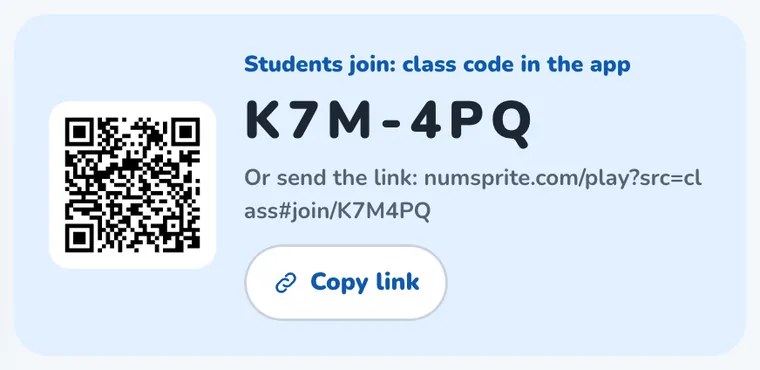
- 2Students join with the codeStudents type the code in the app or tap the link. A username works too: no email needed.
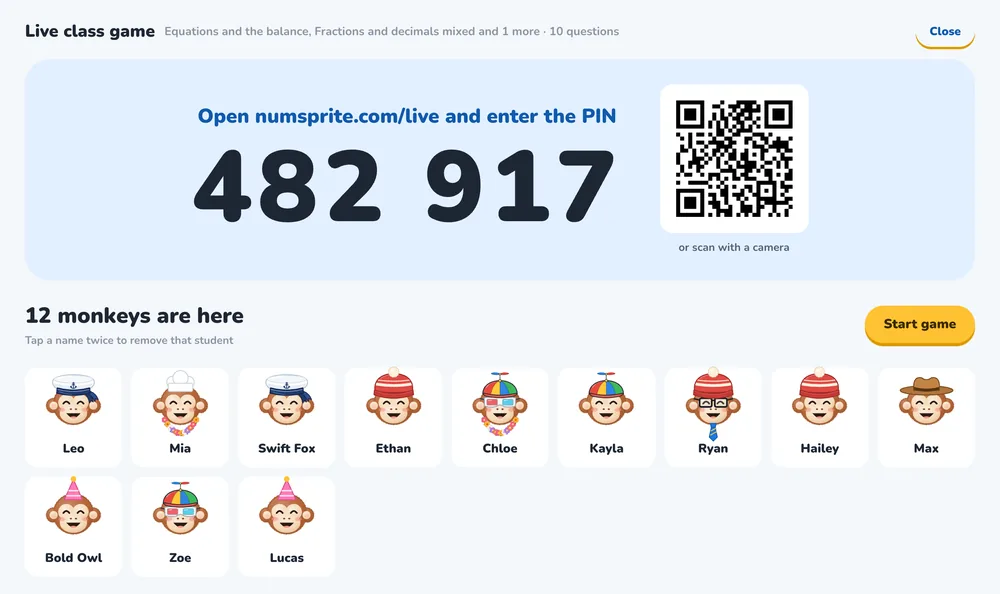
- 3Set practice or start a gameSend practice to do at home, or start a live game in class.
Privacy and safety
Children's privacy comes first: we only collect what teaching needs.
- No children's real namesYou see each student's game nickname. To know who's who, add a note only you can see.
- Parents' agreement firstBefore you start, you confirm the students' parents have agreed, and that learning data is used only for teaching.
- Students can leave any timeA student can leave a class at any time from My classes in the app.
- Nothing shown publiclyClasses, results and your notes are never made public. Names in a live game are filtered, used for that game only and deleted within two days.
Questions
Does it cost anything?
It's free for teachers and students: classes, setting practice, results and live games. Practice you set uses no energy. VIP is an optional upgrade for families, and nothing you set needs it.
Who is it for?
School teachers and tutors, mainly for primary and lower secondary maths, with one student or a whole class.
What devices do students need?
Any phone, tablet or computer with a web browser. Nothing to download.
What if a student has no email address?
They can sign in with a username and password: no email or Google account needed.
How many students can a class have?
Up to 40 students a class, and each student can be in up to 3 classes.
Do students need an account for a live game?
No. They open numsprite.com/en/live, type the code and a name, and play.
What happens to students' data?
Learning data is used only for teaching, and only you see it. When a student leaves a class, the practice you set is removed from their app. Names and answers from a live game are deleted within two days of it.
Open your first class today
Sign in with Google. Free for teachers and students.
- Practice set and marked for you
- See who needs help at a glance
- Live class games, no student accounts