Parents' handbook: helping your child learn maths with Numsprite
Let your child play 15 to 20 minutes a day, read the report once a week, and follow its next step. That's all it takes.
1. What Numsprite is
Numsprite is a maths game: a right answer attacks the monster, and topics are laid out as islands from easy to hard. A wrong answer shows the worked steps and a method animation, and skills come back a few days later for more practice, which is what makes them stick.
The content is led by a Hua Xia Cup first-prize tutor and covers the main primary and lower-secondary topics.
2. Getting your child started (about 10 minutes)
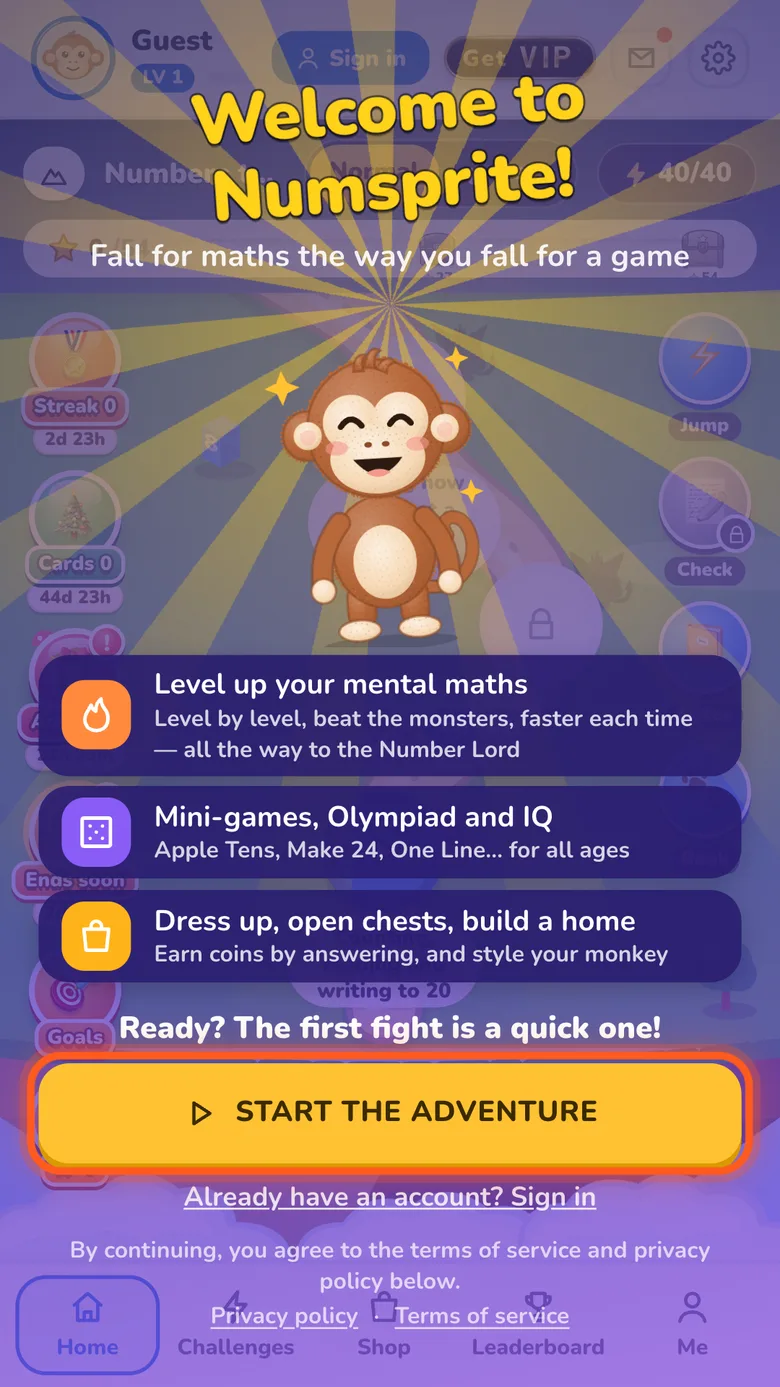
- 1Your child opens numsprite.com, taps Start the adventure and answers “How far have you got?” (such as “I can add and subtract” or “I can multiply and divide”). Islands are recommended from that level.
- 2Make an account with Google, or a username and password (no email needed). Please don't use a real name as the username. The password recovery email can be yours.
- 3One account per child. Sharing mixes up the reports and the recommended topics.
- 4Open numsprite.com/parent yourself, sign in to the parents' page with Google, tap “Add a child”, and confirm with your child's Google account or username. Your child is told; parents can see progress but not change it.
- 5If your child signs in with a username and forgets the password, tap “Set a new password” on the parents' page.
3. The parents' page: what to look at each week
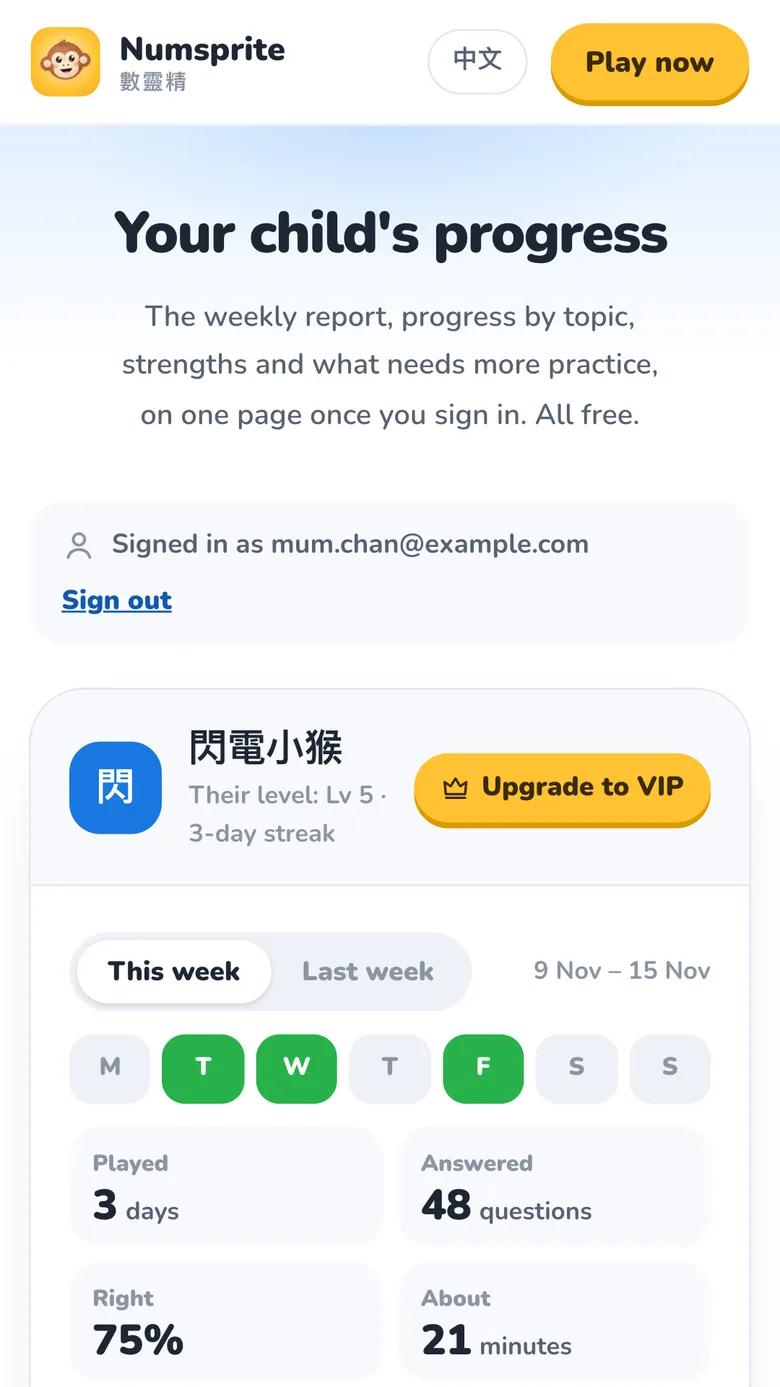
An email each Sunday evening tells you the report is ready, with a monthly report on the 1st. Reports are free for every parent.
| On the parents' page | What it tells you | What you can do |
|---|---|---|
| This week / last week | Days played, questions answered, about how many minutes | Under 3 days? Agree a daily time together |
| Learnt | Skills mastered this week | Praise exactly what they learnt |
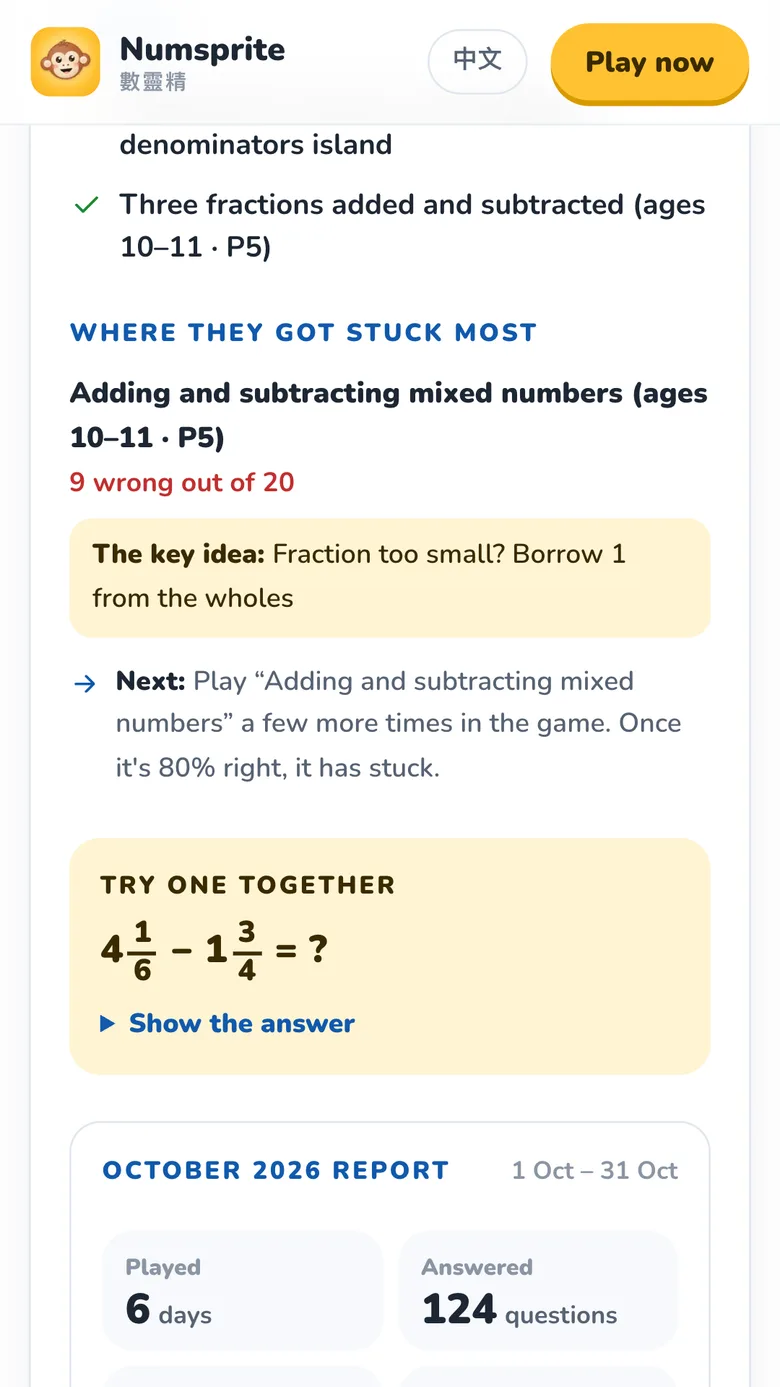
| Stuck most | Where most answers went wrong | Try the question together, or print a matching worksheet |
| Next step | What to practise next week | Ask them to start on that island |
| Each topic | Progress on each island and its usual year | Compare with school |
| Strengths / to practise | Strong and weak topics over four weeks | Review the to-practise topics first |
4. Using it for your goal
| Goal | How |
|---|---|
| Keeping up with school | Play the island for the topic being taught, and print a free worksheet on it |
| Catching up | Take the to-practise topic from the report and replay its island from level one; pick a worksheet by learning point to practise just that |
| Revising for a test | The island's review levels and stage test; VIP can print mock tests |
| Stretch | After three stars in normal, try dark (word problems) and master (concepts) |
| Olympiad | Challenges → Olympiad Arena: pick an area and a topic and climb from ★ Starter to ★★★★ Elite; win a topic's Starter levels to open its practice ground |
| A daily habit | Finish today's goal every day and watch the streak |
5. Free worksheets
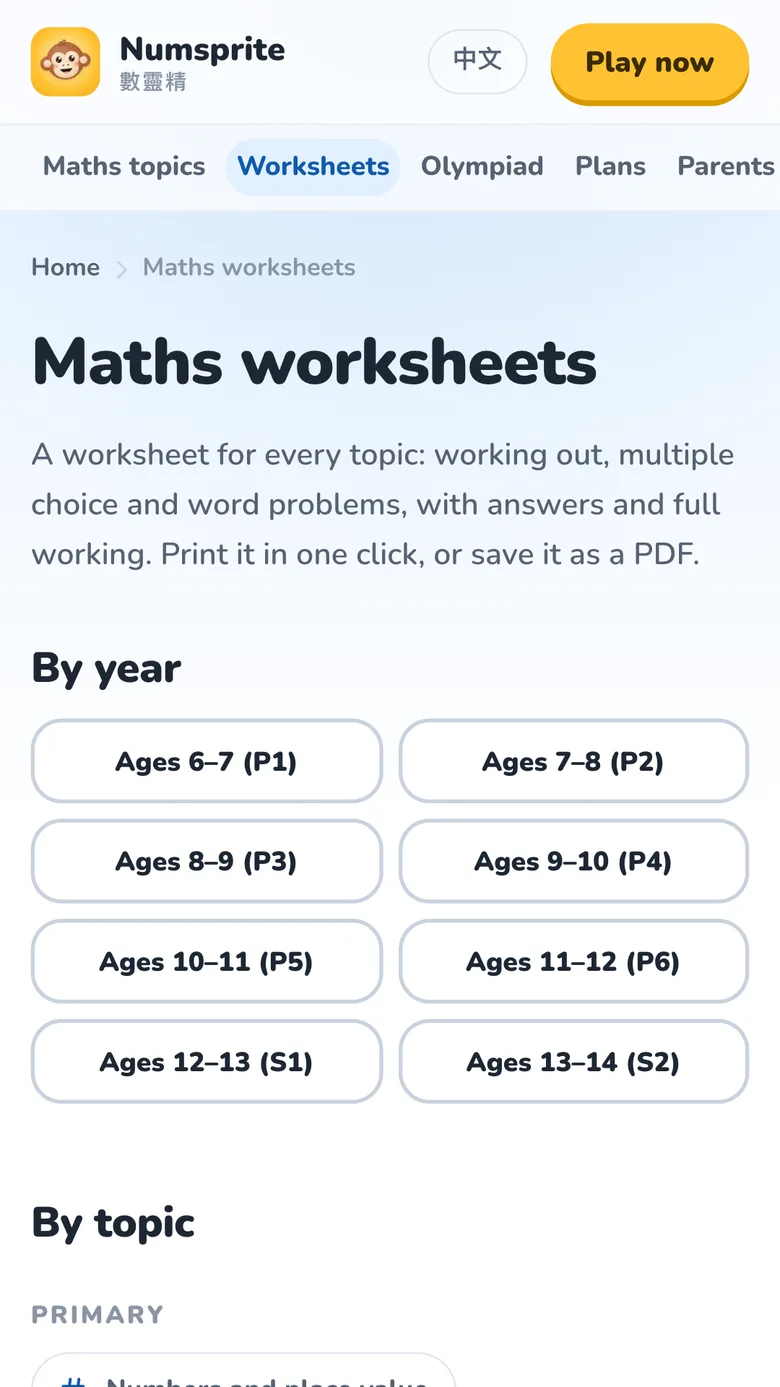
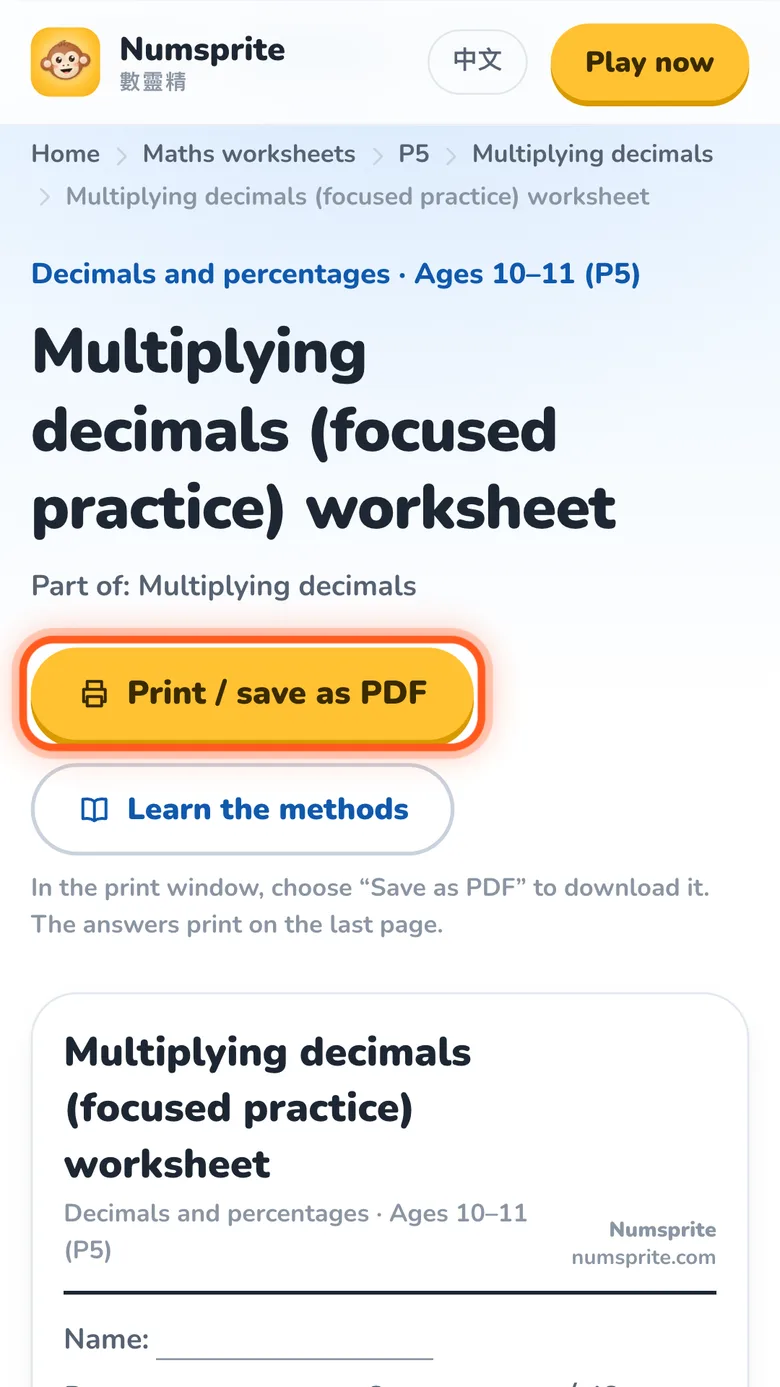
At numsprite.com/en/worksheets choose by year or by topic, and each topic has sheets by learning point too. Each has calculation, multiple choice, word problems and challenges; Print / save as PDF prints it, with the answers and full steps on the last page.
A good order: play the island first, then use the worksheet to check it has really sunk in.
6. Free and VIP
Every topic, report and worksheet is free, with no third-party ads. VIP adds:
- Unlimited energy, unlimited hints and step-by-step pictures
- Printable practice notes and mock tests, a fresh one each time
- Unlimited mini-games, the premium pass and VIP outfits
Progress stays when VIP ends. You can pay for your child on the parents' page with “Upgrade to VIP” and turn off renewal under “Manage membership”; there's a family plan for more than one child. Prices are on the plans page.
When your child goes to buy something in the game, it first asks “Who's paying?”. Choosing “Ask a parent” heads the screen “For a parent”; if you're not there, scan its QR code with your own phone and buy for your child on the parents' page.
7. Safety and privacy
- Other players see only a nickname, monkey outfit and level; Google names, emails and photos are never shown.
- Nicknames can't be real names, contact details or rude words.
- There's no chat. Adding a friend needs their friend code, so strangers can't add your child.
- No third-party ads or tracking.
- Delete account, at the foot of Settings, removes all the data held online.
8. Guides for parents
Common questions about learning maths, and how to help at home:
- Can't remember the times tables?
- Why do we flip and multiply to divide fractions?
- Where decimal division usually goes wrong
- Should my child learn Olympiad maths?
- Word problems: a reading problem or a maths one?
- Why is 0.01 × 0.01 = 0.0001?
- 3D shapes: prisms, pyramids and spheres
- The 24-hour clock: converting and common mistakes
- Making ten: teaching 8 + 5